Background image
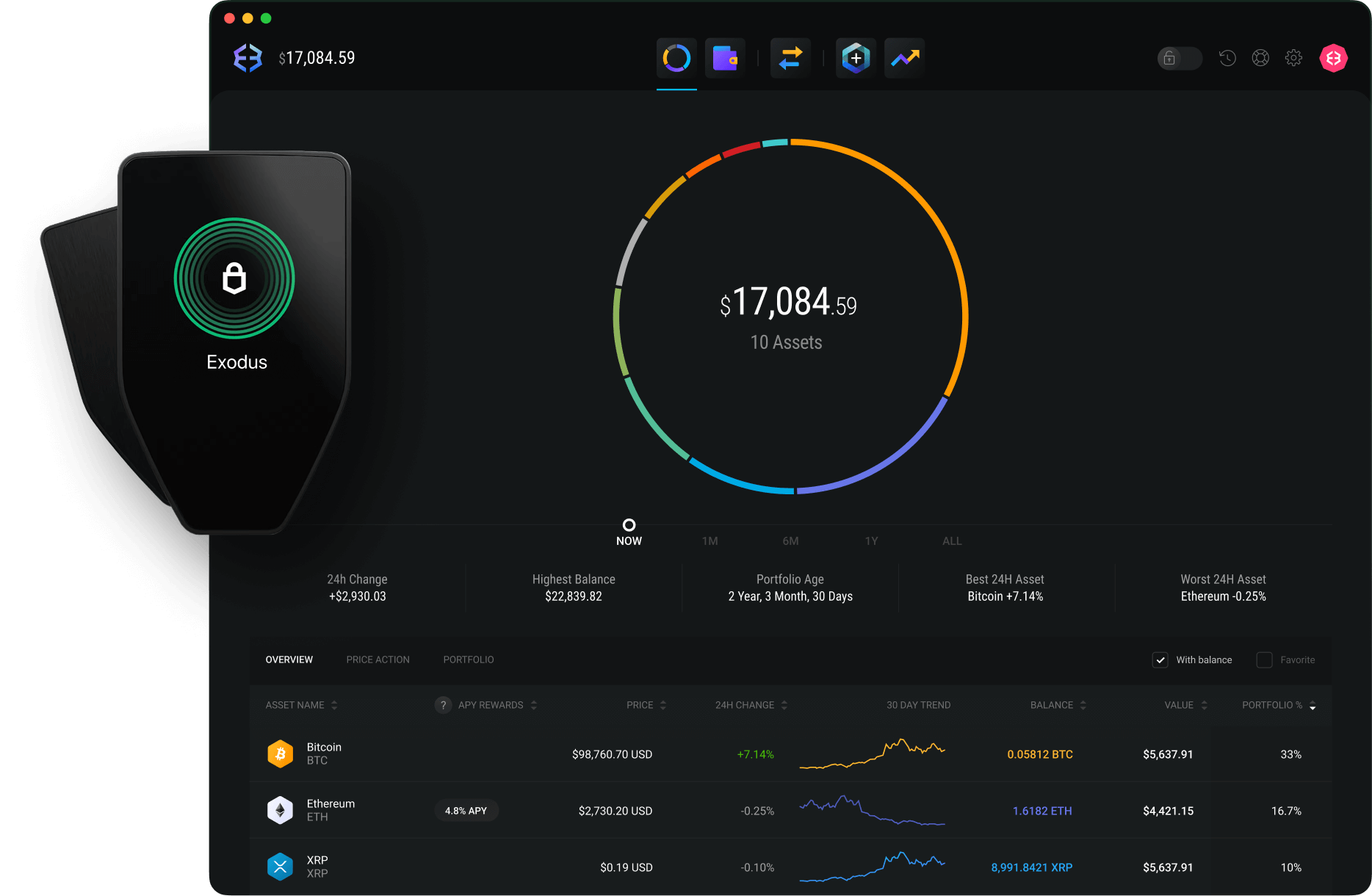
Icon lock-shield gradientTrezor Hardware Wallet + Exodus Desktop

Boost crypto security with pro-level protection

Enhance your wallet security to the next level. Smoothly integrate your Trezor hardware wallet with Exodus Desktop for an advanced
defense stack.
Preview image

Get started

Get your Trezor

Choose from 4 compatible models to start securing your crypto offline.

Connect to Trezor Suite app

Download or use the web interface to set up and configure your Trezor device.
Already configured your Trezor? Skip to Step 3.

Pair with Exodus

Open Exodus with your Trezor plugged in. That's it! You can now manage your protected assets via our intuitive interface.

Icon eye gradientPro-level Solution

The power of
hardware security

Gradient blur bottom-leftGradient blur bottom-right

Supported assets

Secure the assets that matter to you, from Bitcoin to Ethereum and stablecoins, with more added regularly.

Icon plus squaredBrowse Assets
Gradient blurHardware

Never used
hardware wallets?

Visit our Knowledge Base to learn
how to connect your Trezor to Exodus.
It's easier than you think,
and we're here to help!

Icon info circleKnowledge Base
Icon star gradientFAQs

Common questions

Trezor is a hardware wallet that securely generates and stores your secret recovery phrase and private keys in its flash memory, without connecting to the internet. This makes Trezor a true cold wallet.When you connect your Trezor to a computer to send a transaction, the transaction is signed offline by the Trezor device. The signed information is then shared with the computer solely to broadcast the transaction.By generating and storing your secret recovery phrase and signing transactions offline, Trezor can add an extra layer of security to protect your secret recovery phrase and private keys from malware, hackers, and other online threats.Remember: your wallet is only as secure as your secret recovery phrase—never create digital copies or share it with anyone.
Your Trezor connects to Exodus Desktop and appears as a separate portfolio, allowing you to send and receive funds just like with your regular Exodus wallet.To send funds from your Trezor portfolio, your device must be physically connected via USB.
Exodus Desktop supports the following Trezor models:• Trezor Model T• Trezor One• Trezor Safe 3• Trezor Safe 5
Yes! You can connect multiple compatible Trezor hardware wallets to Exodus.Each Trezor will appear as a separate portfolio. You will only be able to send from the Trezor that is currently connected. Others will appear as read-only portfolios in your Exodus wallet.To connect an additional Trezor, you can follow the steps to set up a new Trezor with Exodus.
View all supported assets by checking for a checkmark in the Trezor column on the Exodus status page.
Staking crypto from your Exodus Trezor portfolio isn't supported. Staking is only supported with crypto in your Exodus portfolio.If you have crypto on your Trezor that you want to stake, you can transfer it to your Exodus portfolio.

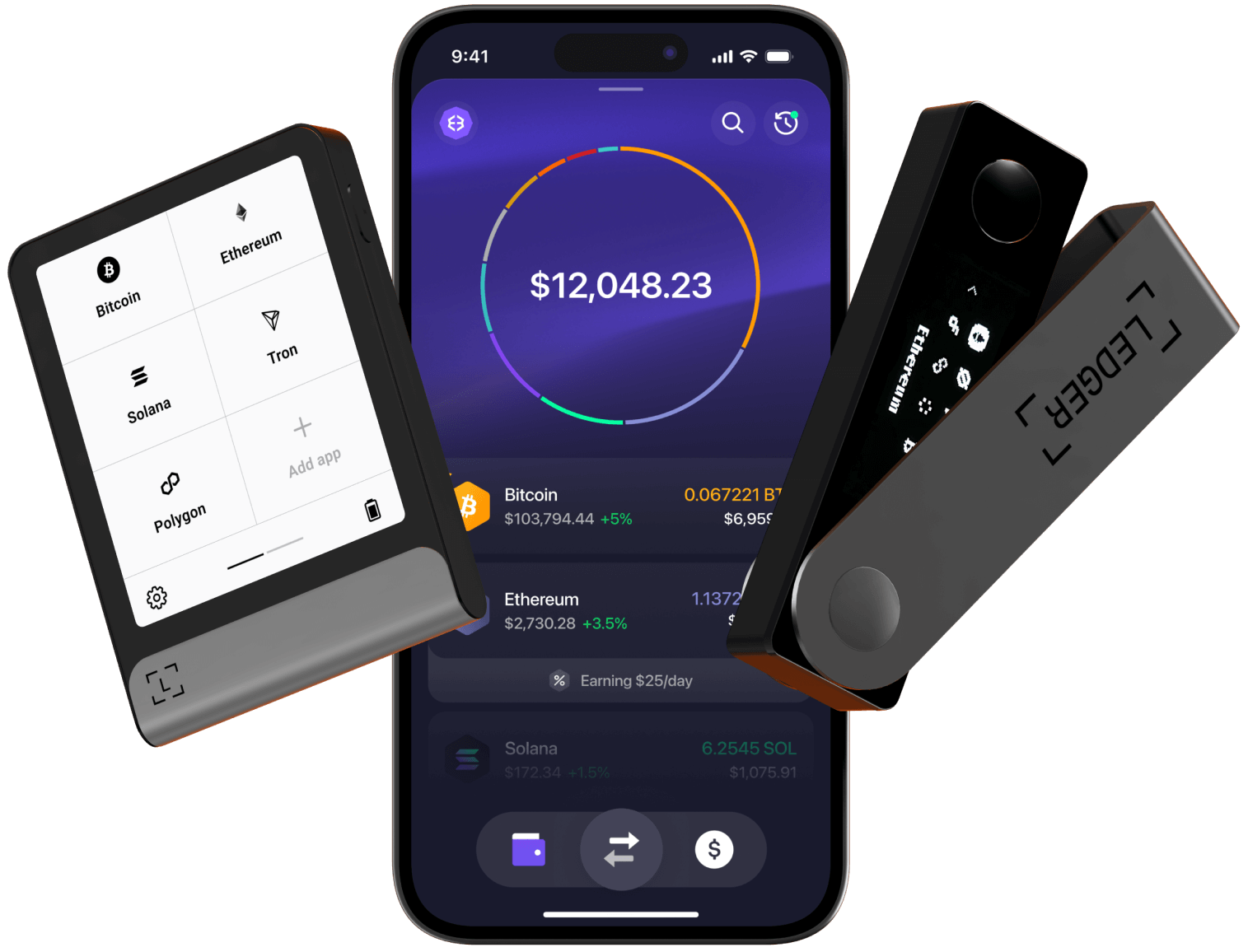
Ledger x Exodus

Using Exodus Mobile? Learn more about our Ledger Integration.
Learn More
Ledger markHardware wallet devices
Control your wealth
with Exodus today
Icon exodusDownload Exodus Wallet